AI for product cards: the AI made an infographic card in 19 seconds
The test was run in Russian: the requests and the AI's answers are translated here, and the screenshots show the Russian interface.
We tested AI for product cards on an insulated mug. The Yenisei AI made a main photo on a white background, an infographic card and a dimensions card. Each image took between 14 and 47 seconds. The Russian text came out with no typos.
How to make a main product photo
We had no product on hand, so the AI drew the mug from a description:
Make a main product photo for a marketplace: a matte black insulated steel mug, 450 ml, on a white background, with no text. Vertical format, 3 by 4.
The photo was ready in 14 seconds: the mug is centered, the background is white, the shadow is soft.
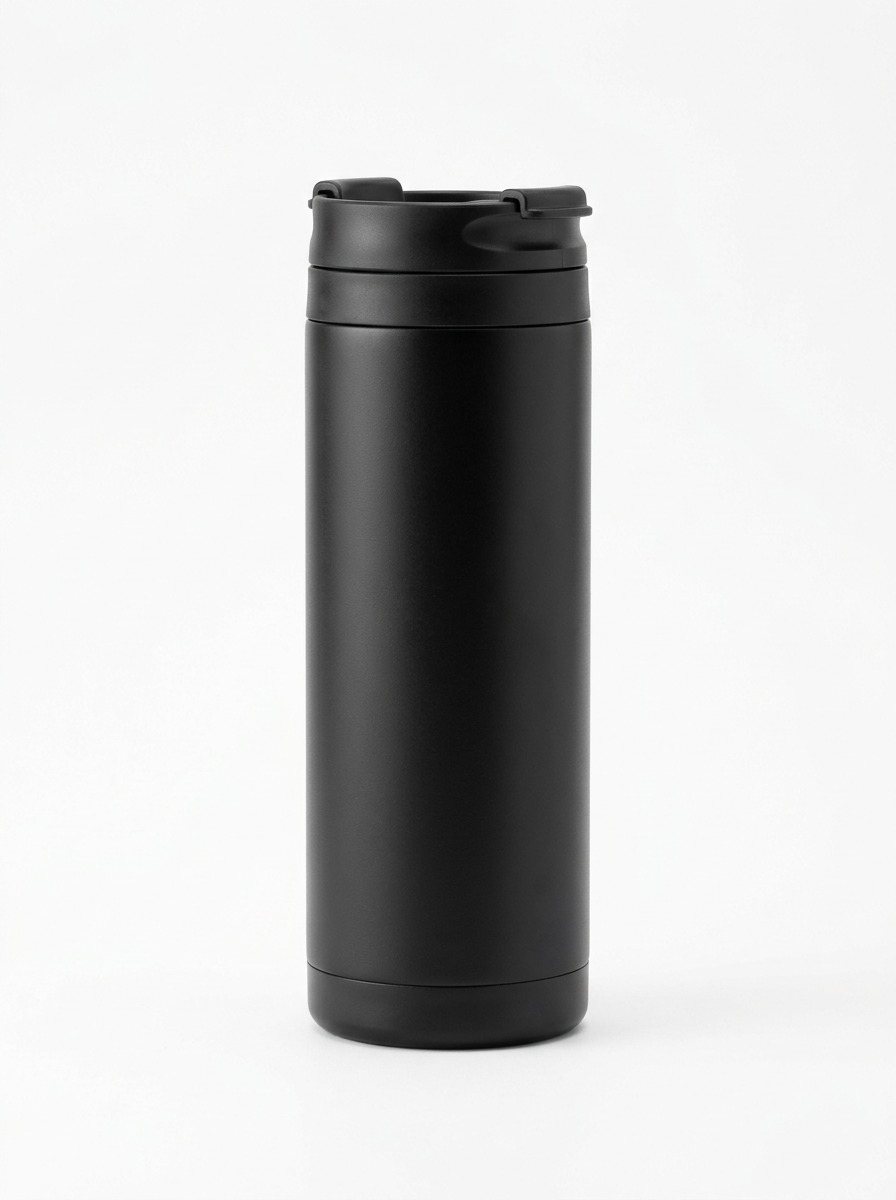
This won't do for your own product: from a description, the AI will draw a similar item, but not yours. A real product has to be photographed, and the photo given to the AI.
How to make an infographic card with AI
We asked it to build a card from the finished photo:
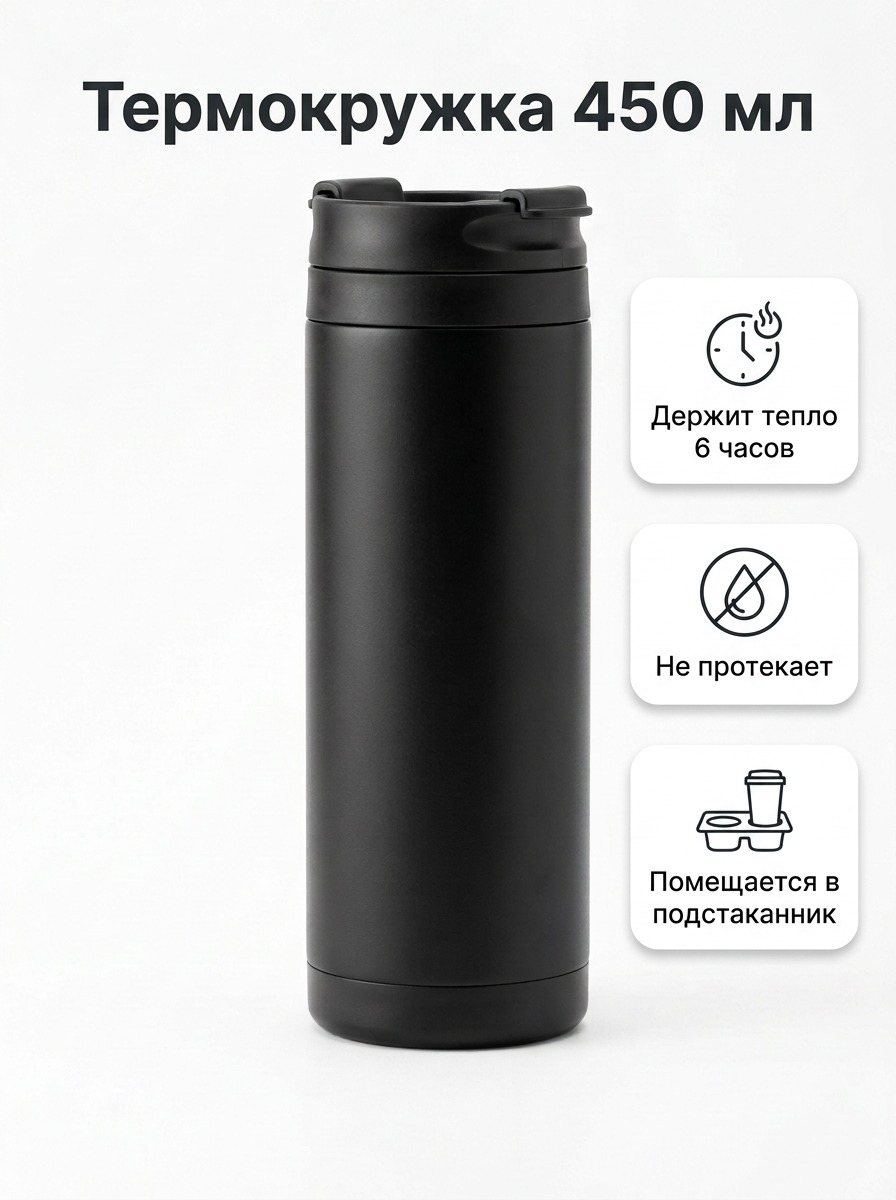
Turn this photo into a product card with an infographic. At the top, the heading "Insulated Mug 450 ml"; next to the mug, three benefits: "Keeps drinks warm for 6 hours," "Leakproof," "Fits in a cup holder." Don't change the mug itself.
The AI got it done in 19 seconds.
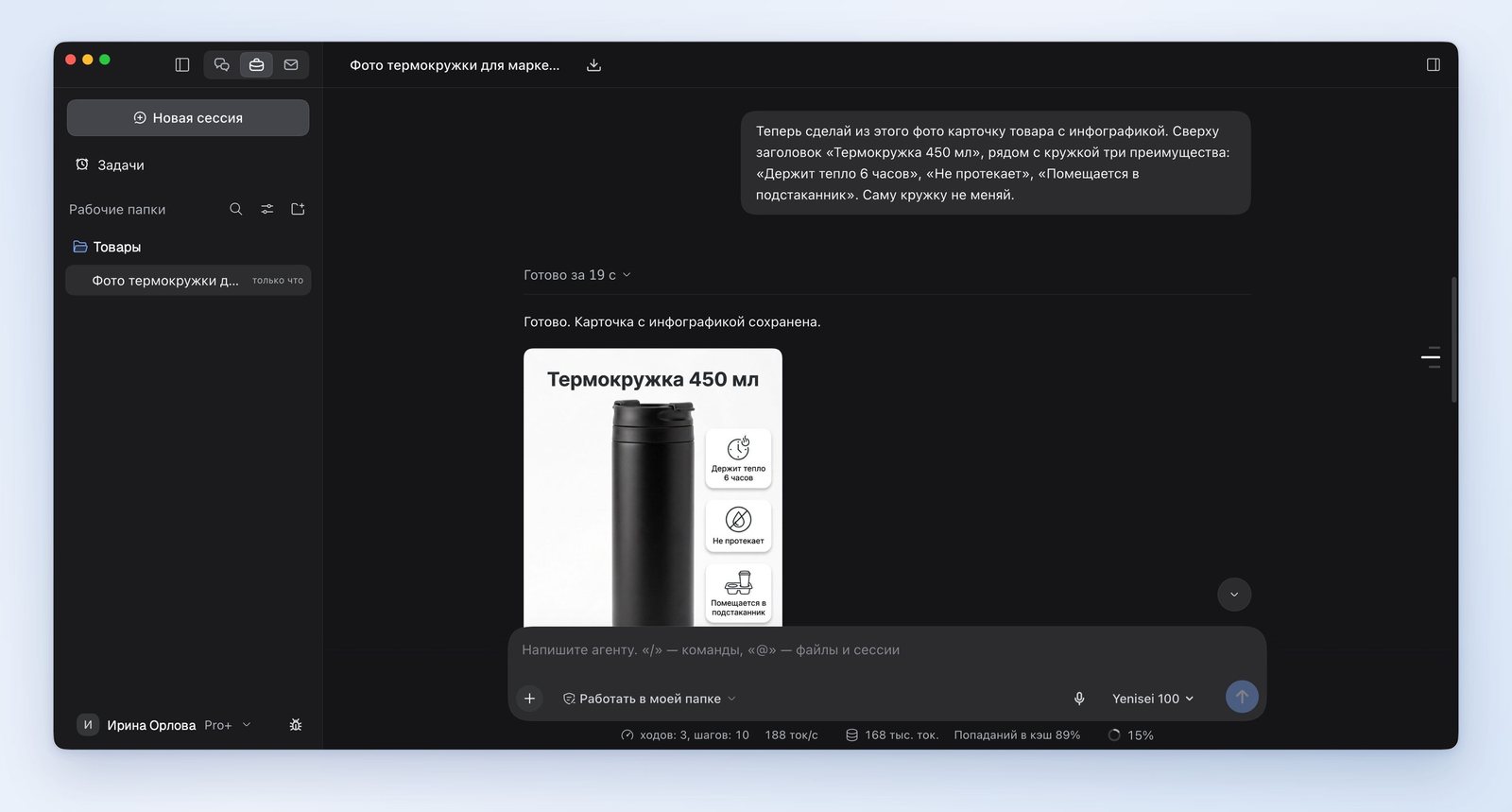
The heading is at the top and the three benefits are on the right, each on its own badge with an icon. Every word is spelled correctly. The mug stayed the same: its shape, lid and lighting didn't change.
How to make a dimensions card
The gallery needs a second card, with the product's dimensions:
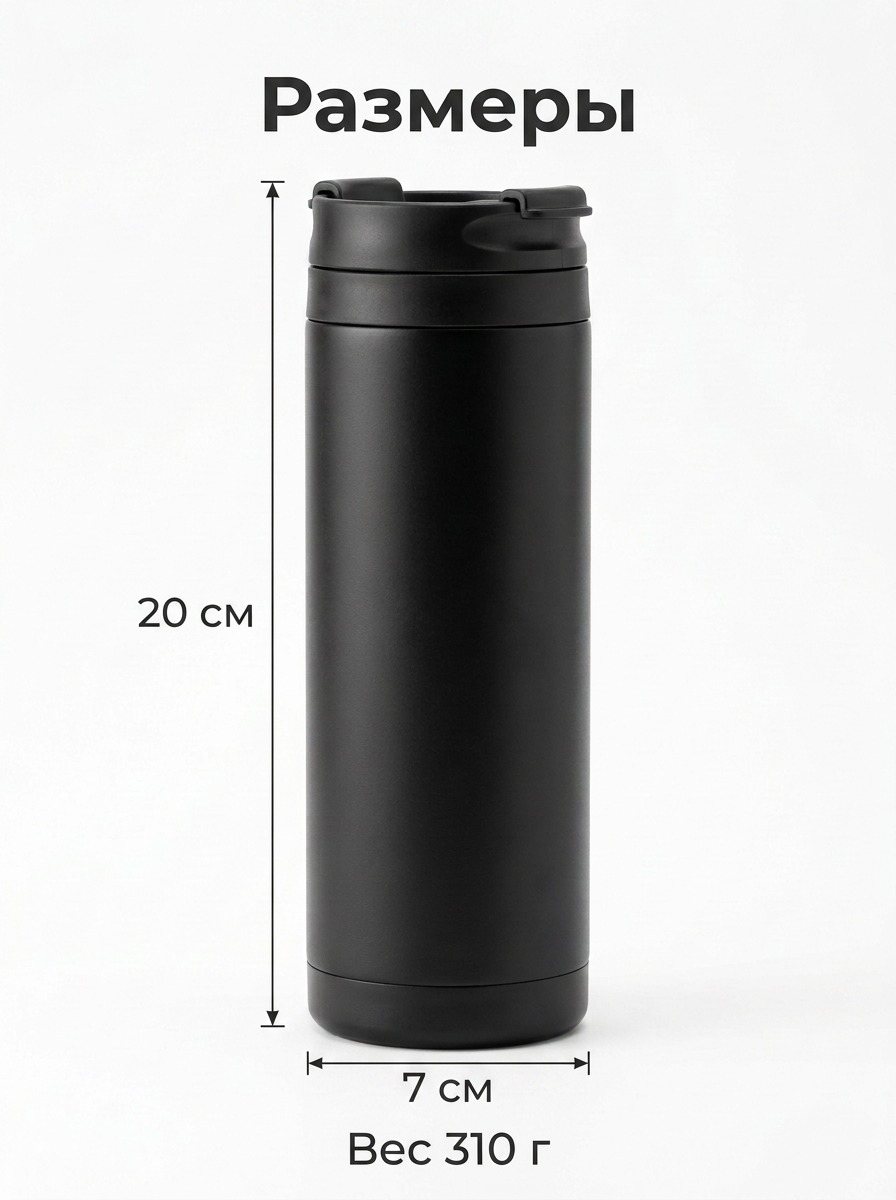
Make a second card for the gallery: the same mug and its dimensions with arrows: height 20 cm, diameter 7 cm. At the top, the heading "Dimensions"; at the bottom, the line "Weight 310 g." Image size: 1200 by 1600 pixels.
This card took 47 seconds. The arrows run along the height and under the base of the mug, and the numbers and labels are correct.
Where the AI got it wrong
- We asked for an image of 1200 by 1600 pixels and got 896 by 1200. All three images came out at this size.
- On the dimensions card, the mug came out slimmer than it should be for a height of 20 cm and a diameter of 7 cm. The AI pointed this out itself and offered to redraw it based on a calculation.
- Two icons on the infographic came out imprecise. The flame next to the clock reads as "hot" rather than "keeps warm." The cup holder is drawn as a tray for two cups. The AI made both of these remarks itself.
AI for marketplace product cards: what to check before uploading
Image requirements differ from one marketplace to another. In its answer, the AI itself reminded us that 900 by 1200 or 1200 by 1600 pixels works better for Wildberries and Ozon. Our images are slightly smaller.
Before uploading, it's worth checking three things in your seller account on the marketplace: the image size, the text allowed on the main photo, and the share of the frame the product takes up.
Where it works
We ran the test in the Yenisei Agent app for Windows, macOS and Linux. It saves the cards as PNG files in a folder on your computer. In Yenisei Chat, the AI also draws and edits images, and you don't need to install anything for that. No VPN is required.
What to choose
- One card to try it out — the chat in the browser.
- A set of cards for a marketplace — Yenisei Agent. The main photo, the infographic and the dimensions are saved as files in one folder.
- Your own product — photograph it first, then ask for a card made from that photo.
Try it on your own task
The agent works in the app for Windows, macOS and Linux. Sign in with your email and a code from the message; the basic plan is free.