AI for photos: the AI makes a photo from a description in 16 seconds
The test was run in Russian: the requests and the AI's answers are translated here, and the screenshots show the Russian interface.
We tested AI for photos on three tasks: a resume portrait, a photo for a cafe menu, and a family photo in a park. The Yenisei AI made each photo from a description of one or two sentences, and each took from 16 to 35 seconds. Then we asked it to change the woman's outfit in the portrait and replace the background. The face stayed the same.
How to make a photo with AI: a resume portrait
The first request:
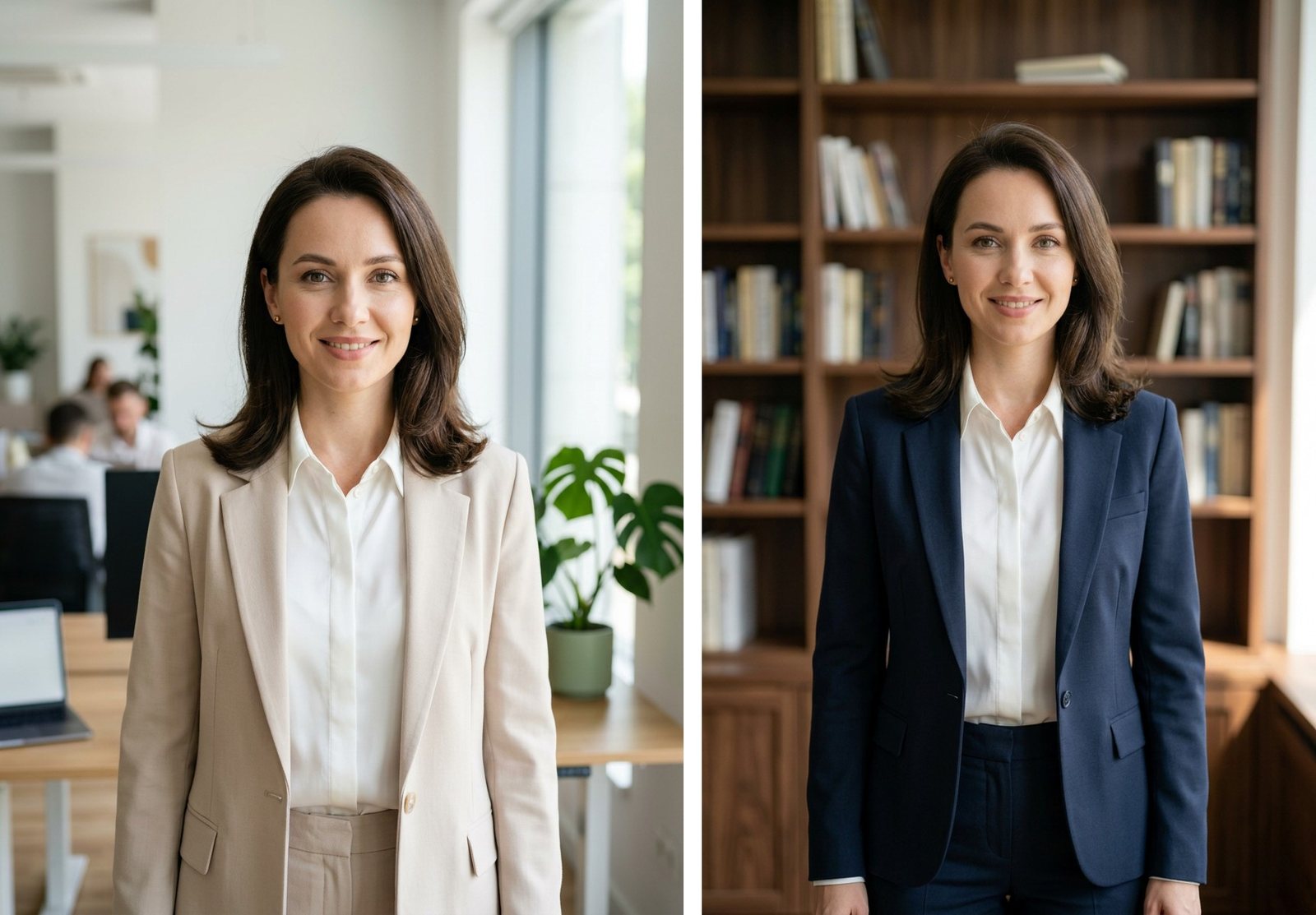
Make a photo: a business portrait of a woman of about thirty in a bright office, like one for a resume. Vertical format.
The photo was ready in 16 seconds. The AI itself chose a light-colored blazer and a white blouse, and it blurred the office in the background the way a lens does.
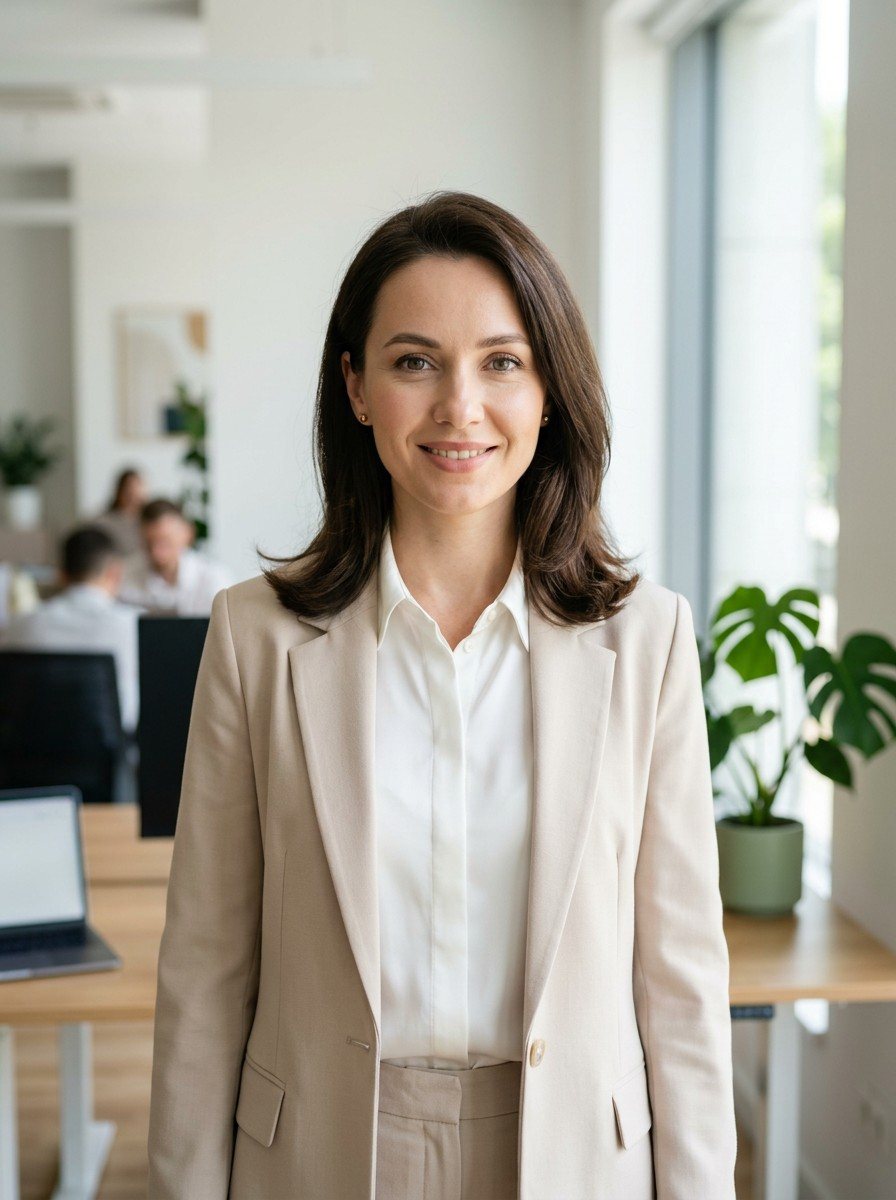
This is not a photograph of a real person.
How to create a photo for a menu or a website
The second request was about food:
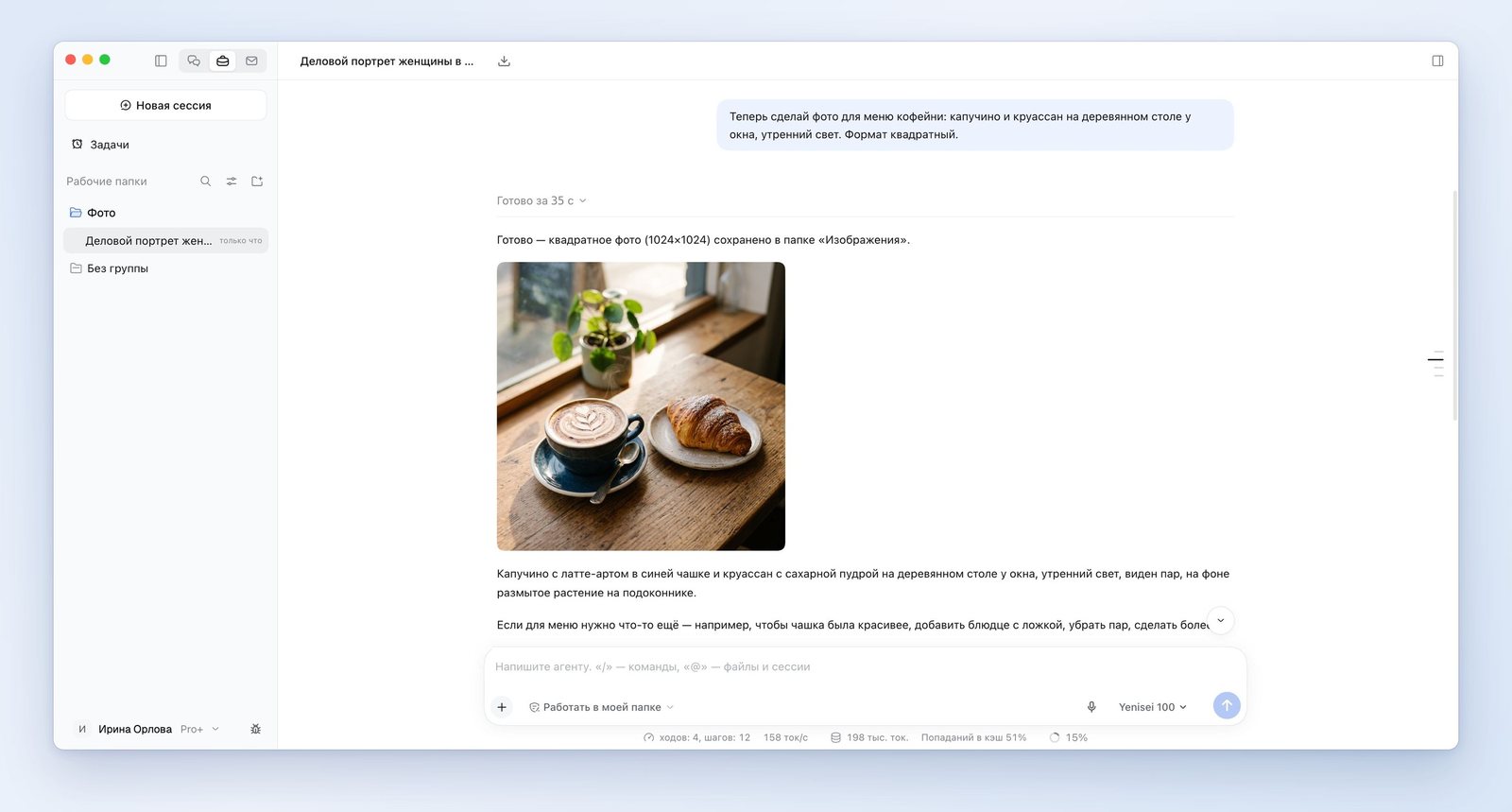
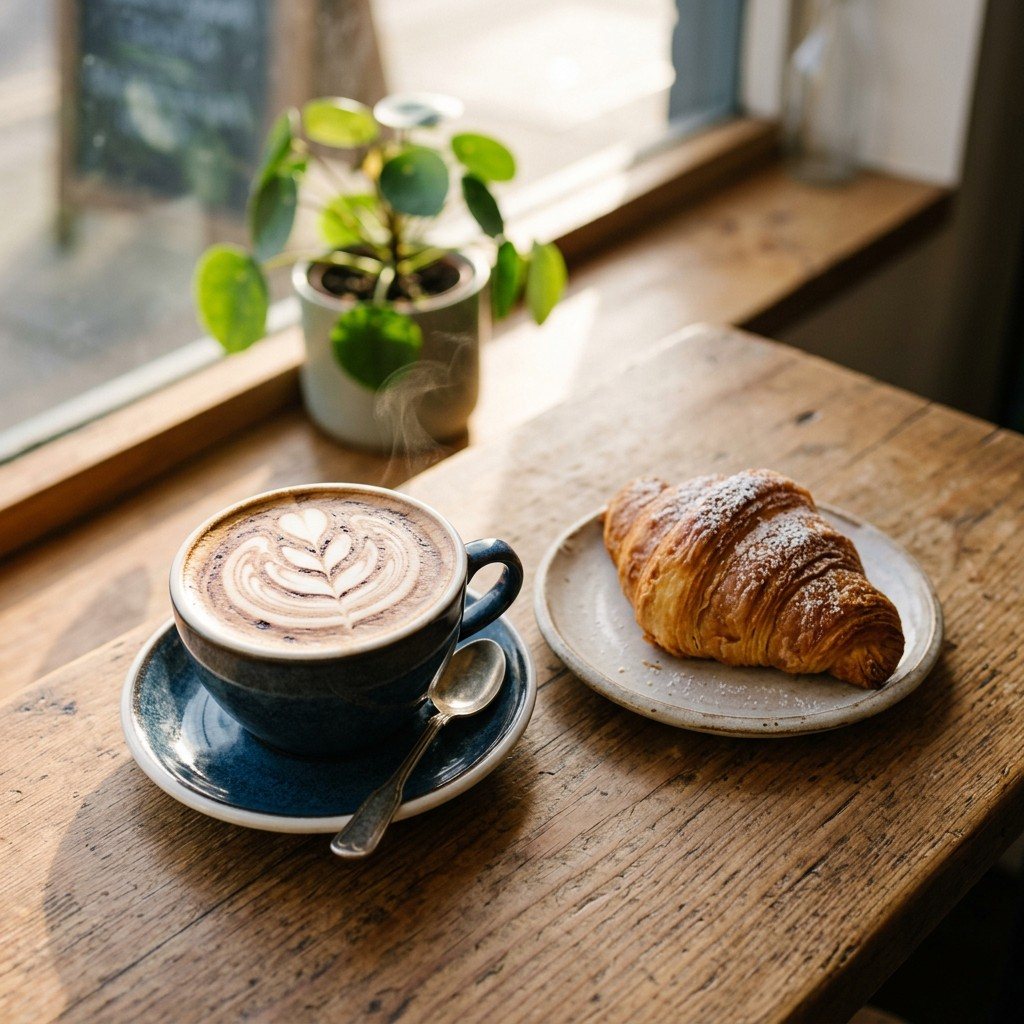
Make a photo for a cafe menu: a cappuccino and a croissant on a wooden table by a window, morning light. Square format.
The photo appeared 35 seconds later.
The photo has everything we asked for. On its own, the AI added a pattern on the foam, a spoon, steam over the cup, and a plant on the windowsill. In its answer it listed these details and offered to remove the ones we did not need.
How to make an AI photo with several people
AI models often go wrong where there are several people: they mix up hands and distort faces. With the third request we tested exactly that.
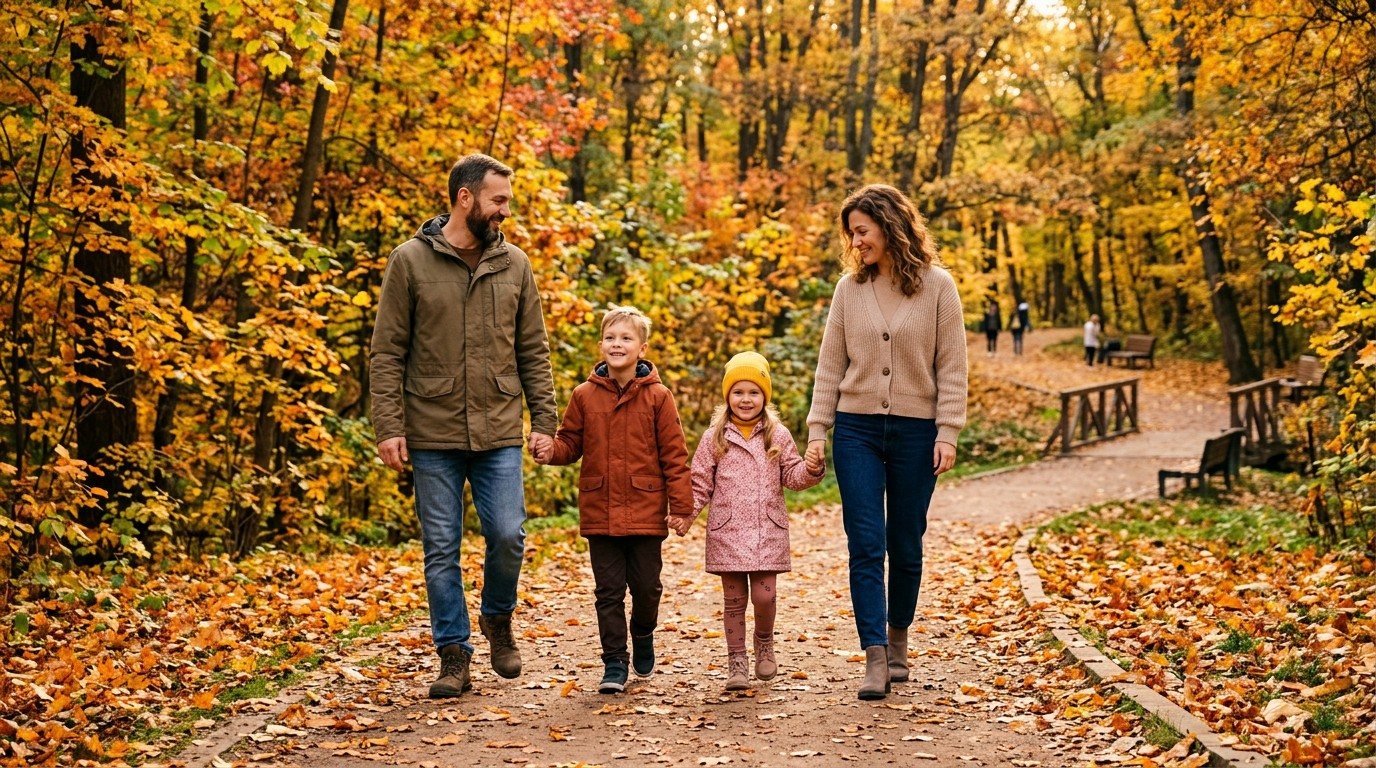
Make a photo: a family of four walking through an autumn park, wide shot, faces and hands visible. Horizontal format.
After 19 seconds the AI showed the photo. The parents and two children are walking down a tree-lined path, holding hands. We found no extra fingers and no distorted faces.
How to change a finished photo
We asked the AI to redo the portrait from the first request.
Dress the woman in a dark blue blazer and put her against a bookcase background. Do not change the face or the hairstyle.
The new photo came 21 seconds later. The face, the hairstyle, and the blouse stayed the same, the suit turned blue, and a bookcase appeared behind her.
We covered other photo edits — removing people, changing day to sunset — in the article "AI photo editor".
Where the AI got it wrong
We asked it to change the blazer and the background in the portrait, but the AI rebuilt the whole frame. The woman stands farther from the camera, her hands are now in the frame, and the pants turned blue too.
What to keep in mind
- The photos come out small: the portrait is 896 by 1200 pixels, the square is 1024 by 1024, and the horizontal frame is 1376 by 768. That is enough for a resume, an on-screen menu, and social media, but not enough for print.
- The AI adds details it was not asked for: steam over the cup, a spoon, a plant. If you don't want them, say so right away.
- We tested on people the AI drew itself. We did not test a photo with our own face.
AI photo app: where it works
We tested the AI for photos in the Yenisei Agent app for Windows, macOS, and Linux. It saves each photo as a file to a folder on your computer. In Yenisei Chat the AI makes photos too, and you don't need to install anything for that. No VPN is required.
What to choose
- One photo for a post or a resume — the chat in your browser.
- A series of photos for a menu, a website, or a catalog — Yenisei Agent. All the files are in one folder.
- A photo for print — check the size first: the largest frame we got was 1376 by 768 pixels.
Try it on your own task
The agent works in the app for Windows, macOS and Linux. Sign in with your email and a code from the message; the basic plan is free.